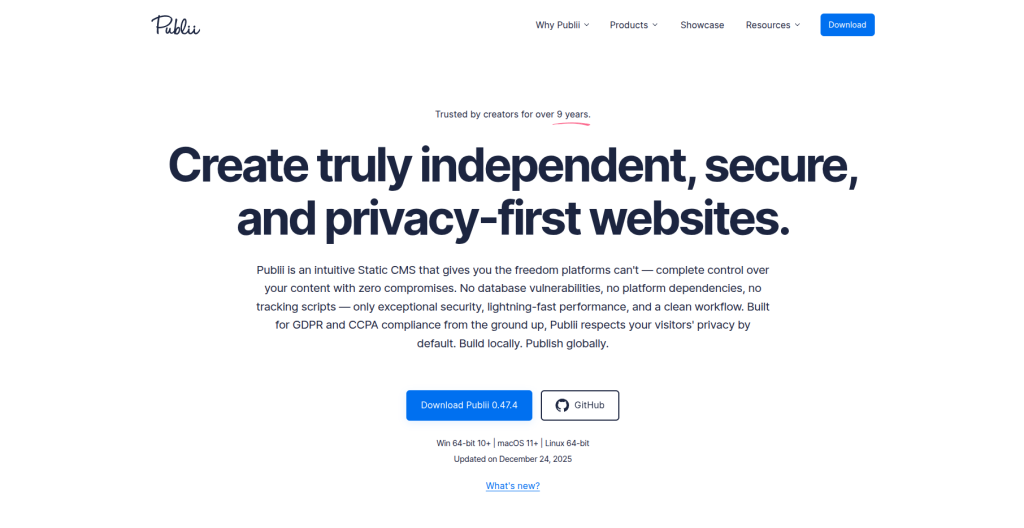
Publii is a really helpful CMS when you need to manage multiple websites without making things complicated. It’s built around JavaScript-based tooling, and honestly it feels super lightweight — simple to maintain, and easy to work with even if you’re not trying to set up a big “heavy” system.
What I like most is how easy it is to install on your own PC and then publish to a server using a graphical user interface. The setup is clean, and the UI makes configuration feel straightforward. You can also choose from multiple server options when publishing, so you’re not locked into one method.
Another big plus: Publii is open source, and it supports all major platforms. Whether you’re on Linux, Windows, or macOS, you can download it from the official page:
https://getpublii.com/download
How I installed Publii on Ubuntu (Linux)
I’m using Ubuntu, so I downloaded the .deb package and installed it like this:
sudo dpkg -i <package name.deb>After installing, I opened it from the terminal by typing:
PubliiOnce it launches, the GUI app opens and asks for basic details like your website name and website author. After that, it’s pretty smooth — you can start customizing your site right away without wasting time on confusing setup steps.
If you want a simple, fast, and clean way to manage multiple sites, Publii is definitely worth trying.
then its simple we can customize this simple